Email deliverability has changed. What worked two years ago no longer guarantees inbox placement. Gmail and Yahoo have tightened bulk sender requirements, and they're far less tolerant of weak authentication, poor list hygiene, or erratic sending behaviour.
If your campaigns are landing in spam, it's rarely random. There's almost always a technical or behavioural reason behind it. Here's what actually moves the needle in inbox placement, and what tends to damage it.
1. The non-negotiable technical setup (authentication)
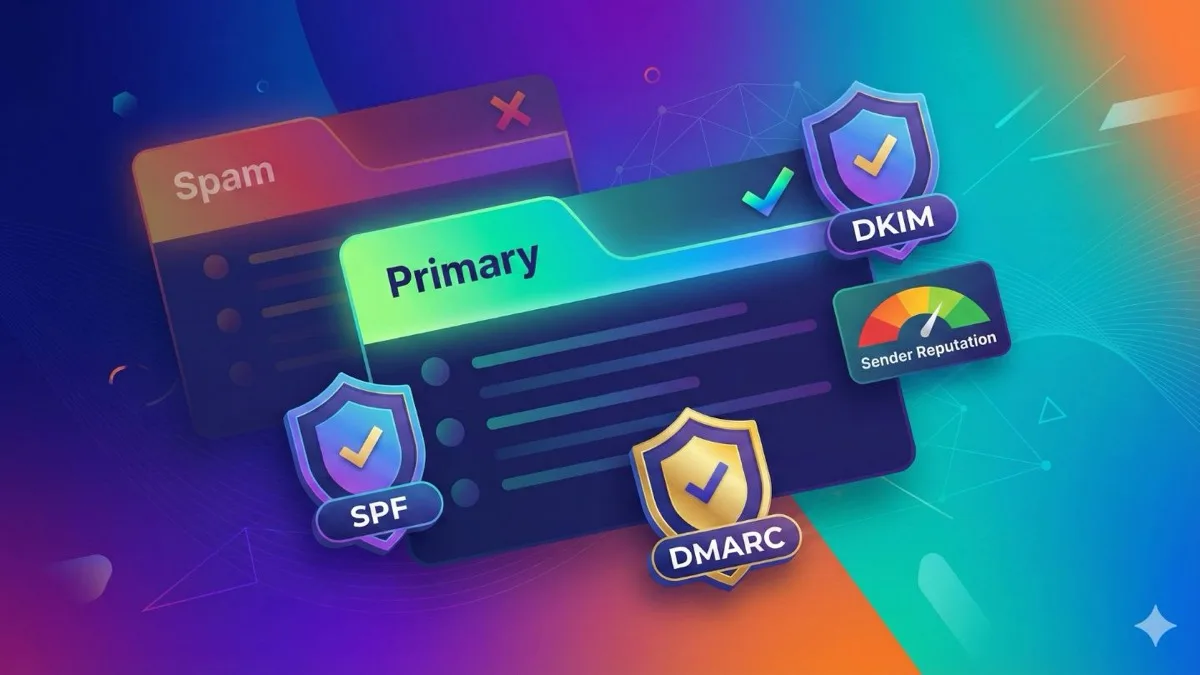
If you don't have these three protocols set up, your emails are almost guaranteed to be flagged as spam. They verify your identity and prevent spoofing.
- SPF (Sender Policy Framework): a DNS record that lists the IP addresses authorised to send emails on behalf of your domain.
- DKIM (DomainKeys Identified Mail): adds a digital signature to your emails, proving they were sent from your domain and haven't been tampered with in transit.
- DMARC (Domain-based Message Authentication, Reporting, and Conformance): tells receiving servers what to do if an email fails SPF or DKIM checks - reject it, or send it to spam.
2. List hygiene and consent
Sending emails to people who don't want them destroys your sender reputation faster than anything else.
Clean your list regularly. Immediately remove hard bounces (invalid email addresses). Segment out inactive subscribers who haven't opened an email in 3-6 months and either run a re-engagement campaign or remove them entirely.
Use double opt-in. When a user subscribes, send an automated email asking them to click a link to confirm. This ensures the address is valid, and the user genuinely wants your content.
Make unsubscribing effortless. Include a highly visible, one-click unsubscribe link in every email. If people can't find it, they'll hit "Mark as Spam" instead, which does far more damage to your reputation.
3. Sender reputation and behaviour
Email providers track your behaviour over time. A good reputation means a direct ticket to the inbox.
- Warm up your IP/domain. If you're using a new domain or IP, don't send 10,000 emails on day one. Start with a small number to highly engaged users, increasing volume gradually over several weeks.
- Maintain a consistent volume. Sending 100 emails one week and 50,000 the next looks highly suspicious to spam filters.
- Monitor postmaster tools. Google Postmaster Tools and Microsoft SNDS show you exactly how these providers view your domain's reputation, and will alert you to spam spikes.
4. Content and formatting rules
Spam filters scan the actual contents of your email to look for red flags.
- Avoid "spammy" language. Limit all-caps, excessive exclamation points, and trigger words ("FREE!!!", "Earn $$", "Urgent", "Guaranteed").
- Balance text and images. Emails that are just one giant image get flagged immediately because filters can't read the text. Aim for at least 60% text to 40% images.
- Don't use link shorteners. Services like Bitly are heavily abused by spammers to hide malicious URLs - always use full links or hyperlink your text directly.
- Include a physical address. Anti-spam laws like CAN-SPAM (US) and GDPR (Europe) require your business's physical mailing address in the email footer.
If you'd like, we can guide you through checking whether your domain has SPF, DKIM, and DMARC correctly configured and aligned. And if you're facing wider email performance issues - particularly for e-commerce, SaaS, or high-volume publishers - that's something we regularly help businesses diagnose and stabilise.

Jinnat Ul Hasan
Founder & CEO, Whizz People