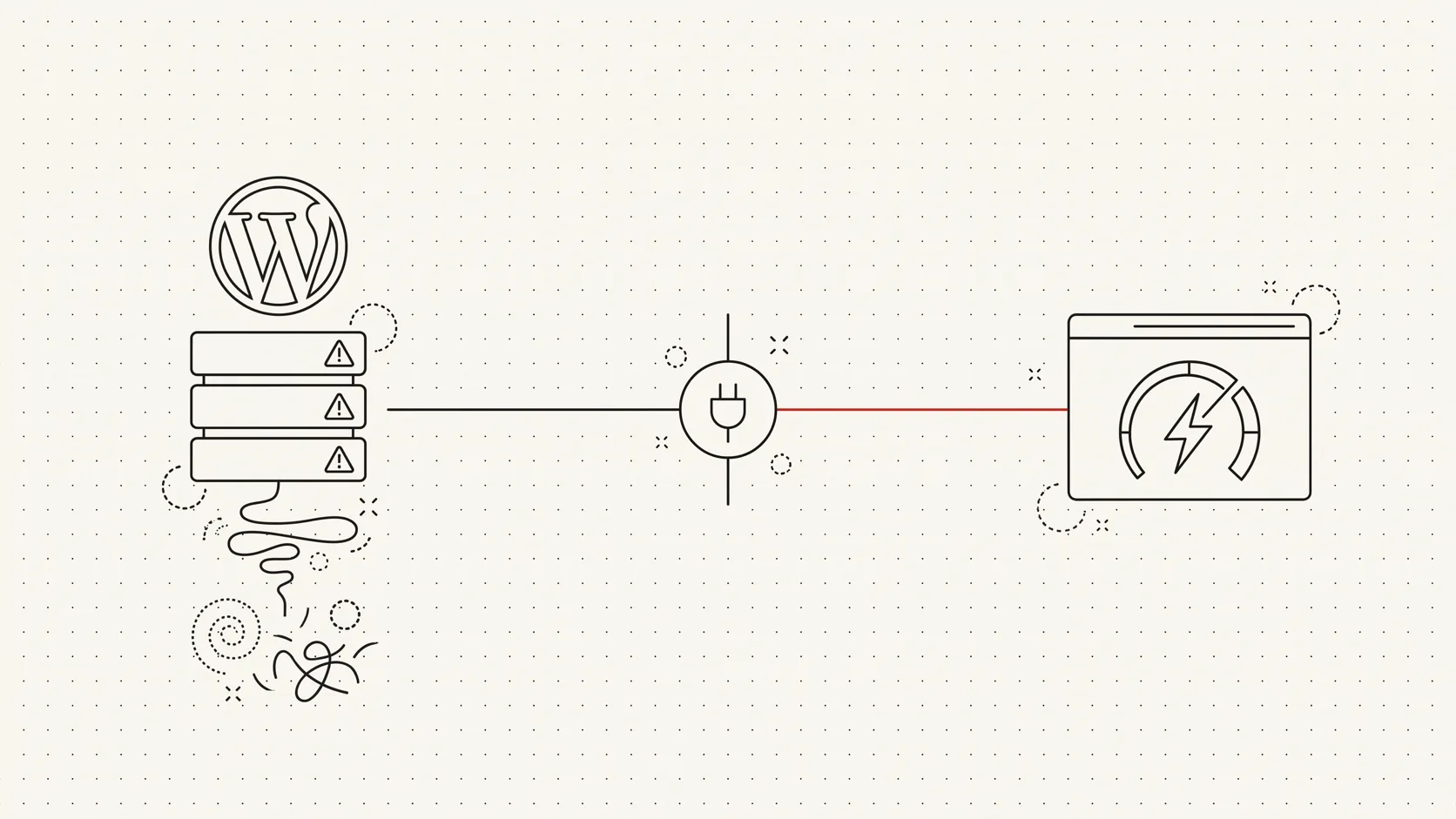

AI assistants are starting to do more than answer questions. Tools from Apple, Google, and OpenAI are beginning to take action - booking flights, submitting forms, even completing checkouts. That changes how we need to think about our websites.
You're no longer just designing for the person holding the phone or laptop. You're designing for the AI agent acting on their behalf too.
Why it matters
These agents don't browse like we do. They don't see layouts or click buttons in the way a person does - they interpret markup, rely on structured data, and look for clear, accessible patterns in the code.
If your checkout flow is buried in JavaScript-heavy components, or your form fields aren't labelled properly, there's a good chance those bots either can't complete the action, or don't even try.
And because these failures are silent, you won't see an error in your analytics or a complaint in support. You'll just lose potential conversions without knowing why.
The technical checklist
Four practical areas worth reviewing if your site relies on forms or e-commerce flows:
Use semantic HTML. Every input needs a proper <label> - bots need context. Use accurate field types: email, tel, number, date, and so on. Don't use <div>s pretending to be buttons. Use actual <button> elements with readable text.
Minimise the JavaScript dependency. Avoid requiring JS to render a form or submit a simple action. If you use modals for checkout, make sure there's a fallback path, or that the modal is exposed cleanly in the DOM. Don't hide essential steps behind JS-only interactions.
Add structured data. Use Schema.org markup for Product, Offer, Order, and similar types. JSON-LD is the easiest to implement and the easiest for bots to parse. Mark up the details that matter: price, availability, CTA links.
Be bot-friendly in the UX. Don't time out forms too quickly. Allow resubmissions. Return status messages a bot can interpret - "Order confirmed" in plain text, not just an animation.
A practical example
We ran into this with a Shopify store. The site looked good and worked fine for human users, but Apple's AI couldn't place an order. The issue was a "Buy Now" button built as a <div> with a JS click handler - no text, no semantics, no context.
We replaced it with a proper <button type="submit">Buy Now</button>, and the issue was resolved immediately. Small fix. Big impact.
Already doing SEO? You're halfway there
If your team has been investing in technical SEO, you're already building for bots - this is just the next phase. AI agent readiness builds on the same foundations: semantic HTML, accessible structure, clean markup. It's not a big pivot. It's an extension of good practice.
Final thought
If your business depends on form submissions or online checkouts, and most do, it's worth checking how friendly your site is to these new AI agents. We help businesses build for both human users and the systems acting on their behalf - search engines, AI agents, screen readers, and more.
If you'd like a quick review or want to sanity-check your current setup, feel free to reach out. No pressure.
We build this kind of readiness into every AI automation project, and it starts with the same technical foundations as good SEO - clean markup, semantic HTML, and structured data bots can actually parse.

Jinnat Ul Hasan
Founder & CEO, Whizz People